

Welcome! Here is everything you need to set up and customize your Sniegauu® Video Crystal Ball.
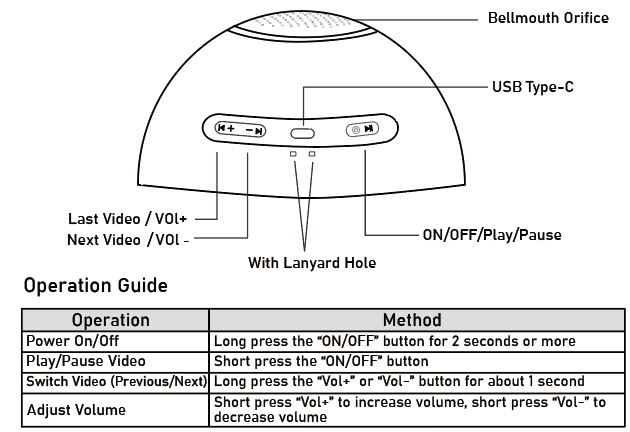
Product Overview & Controls
How to add your videos & photos? (Support MAC & Windows )
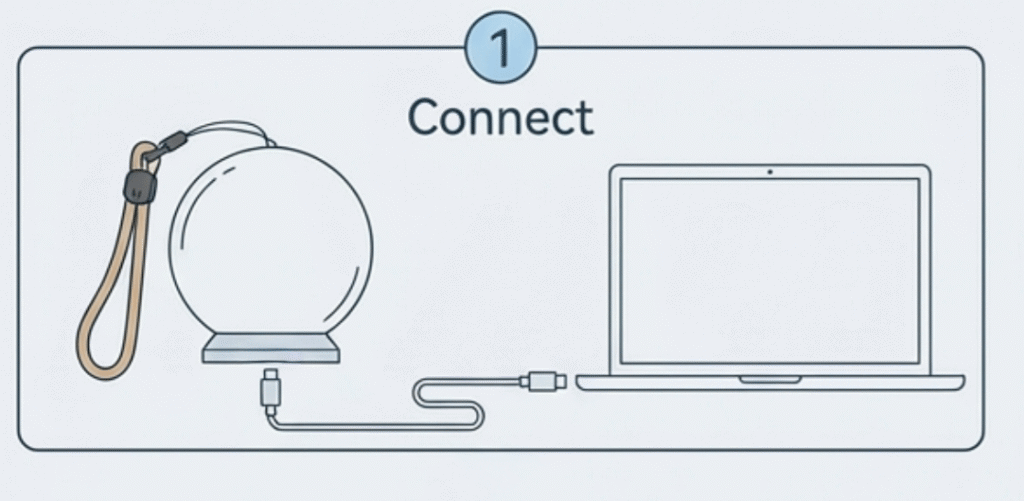
- Connect: Link to your Windows/Mac PC with the included USB-C cable.
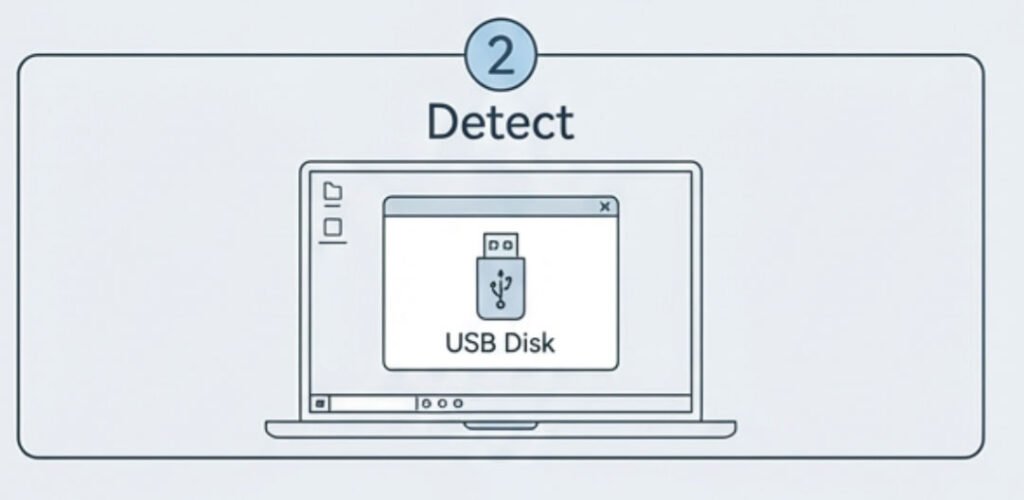
- Detect: The Orb will be recognized as a removable USB drive.
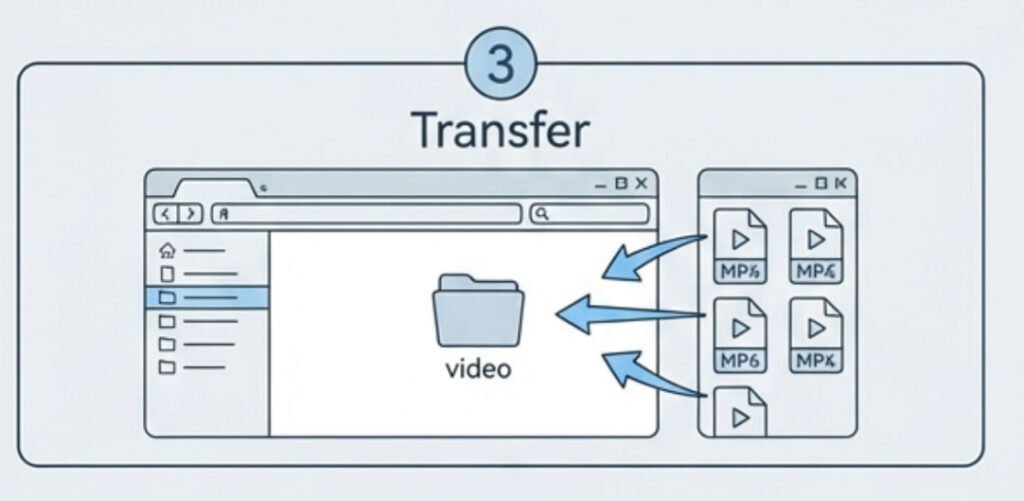
- Transfer: Open the drive, locate the “video” folder, and drag-and-drop your MP4 files into it.
- Finish: Safely eject, unplug, then power on to play!
How to Convert the Video by using capcut?
- Open Capcut, Creat a new project
- Import your video, then add the video to track
- Choose Aspect Ration 1:1
- Adjust video position, drag to scale the video until it fills the entire frame
- Export your video, ensure the video is in MP4 Format/ H.264/480*480p
